
You’ve booked the flight. The hotel is confirmed. You land in Paris at 7am and need Maps to get to the hotel, WhatsApp to tell someone you arrived, and Uber to skip the taxi queue. The last thing you want is to spend the first hour hunting for a SIM card kiosk at the airport — or worse, paying €15/day in roaming fees without realising it.
An eSIM installed before your flight solves all of this. How to Use eSIM in Europe 2026 becomes much easier when your phone is already configured before departure. You land connected. No queue, no plastic card, no roaming shock at checkout. This guide explains exactly how it works — from checking if your phone supports eSIM to using it across 10 countries without touching a setting.
How to Use eSIM in Europe 2026 is simpler than most travelers think. You buy the plan online, install it before departure, and your phone connects automatically when you land in Europe.
⚡ THE SHORT VERSION — MAY 2026
Check your phone supports eSIM → buy a Europe regional plan → install at home on WiFi → land in Europe → it connects automatically. Total setup time: under 5 minutes. Total time thinking about data for the rest of your trip: zero.
What Is an eSIM and How Does It Work?
A traditional SIM card is a small plastic chip you slot into your phone. An eSIM (embedded SIM) is the digital version — it’s already built into your phone. Instead of inserting a physical card, you download a mobile plan directly onto it.
For European travel, this means you can buy a data plan before your flight, install it on your phone at home, and arrive in Europe already connected — without visiting any shop or touching a SIM card. Your existing number stays active on your home SIM at the same time (dual SIM).
The technology has been available since 2018, but in 2026 it’s mainstream. Most iPhones from the XS onwards support eSIM. Most Samsung Galaxy phones from the S20 onwards support it. Most Google Pixel phones from the Pixel 3 onwards support it.
Step 1: Check If Your Phone Supports eSIM
Dial *#06# on your phone. If an EID number appears in the results — a long number usually starting with 89 — your phone supports eSIM.
Also confirm your phone is network-unlocked. If you bought your phone directly from a carrier and it’s still under contract, it may be locked to that carrier’s network and unable to install a third-party eSIM.
The most common eSIM-compatible phones in 2026:
| Brand | Compatible from | Notes |
|---|---|---|
| iPhone | iPhone XS (2018) | iPhone 15 and later: physical SIM tray removed in USA models |
| Samsung Galaxy | Galaxy S20 (2020) | Some budget models don’t support eSIM — check your specific model |
| Google Pixel | Pixel 3a (2019) | All Pixel phones from 3a onwards support eSIM |
| Other Android | Varies by model | Check Settings → About Phone for eSIM option |
💡 If your phone doesn’t support eSIM, a physical SIM card from a local carrier or an international SIM service is your alternative. Most airports across Europe have SIM card vending machines near arrivals.
Step 2: Choose the Right Europe eSIM Plan
Regional plan vs per-country plan
For European travel, always buy a regional Europe plan — not a per-country plan. A regional plan covers 35–42 countries on one eSIM and auto-switches carriers at every border. No reinstalling, no new plans, no settings.
The main choice: how much data do you need?
- Light use (Maps, WhatsApp, email): 3–5GB per week
- Moderate (+ social media, photos): 5–10GB per week
- Heavy (video calls, streaming, hotspot): unlimited plan
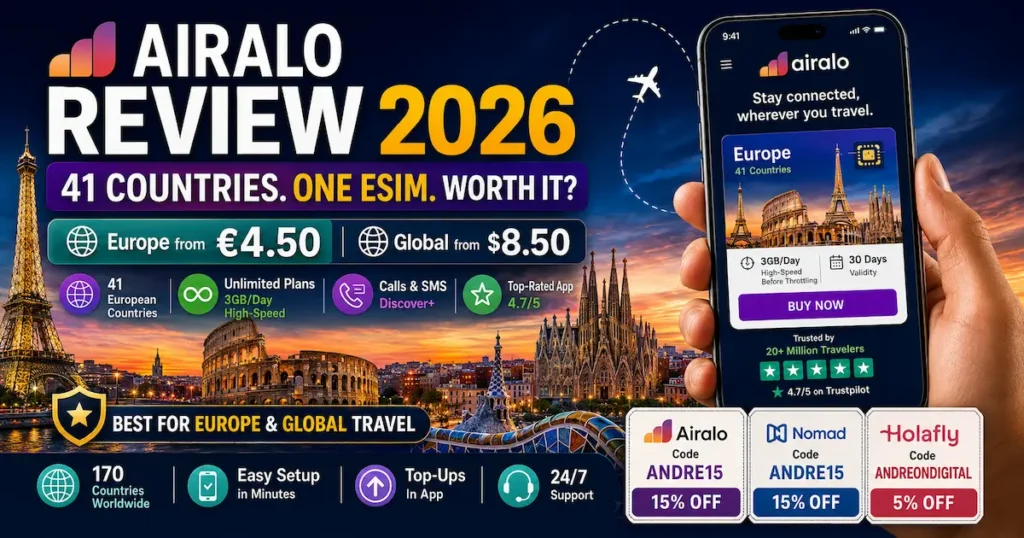
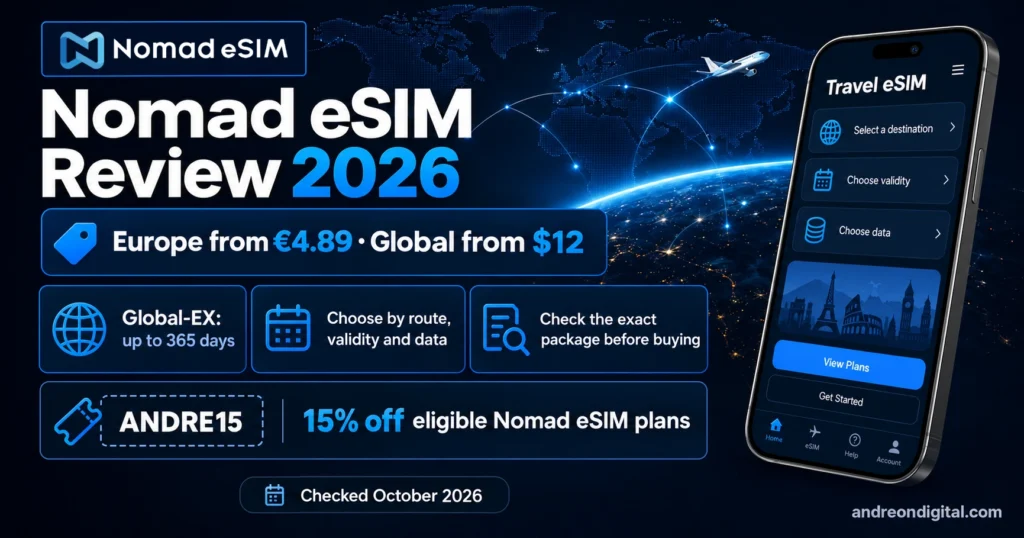
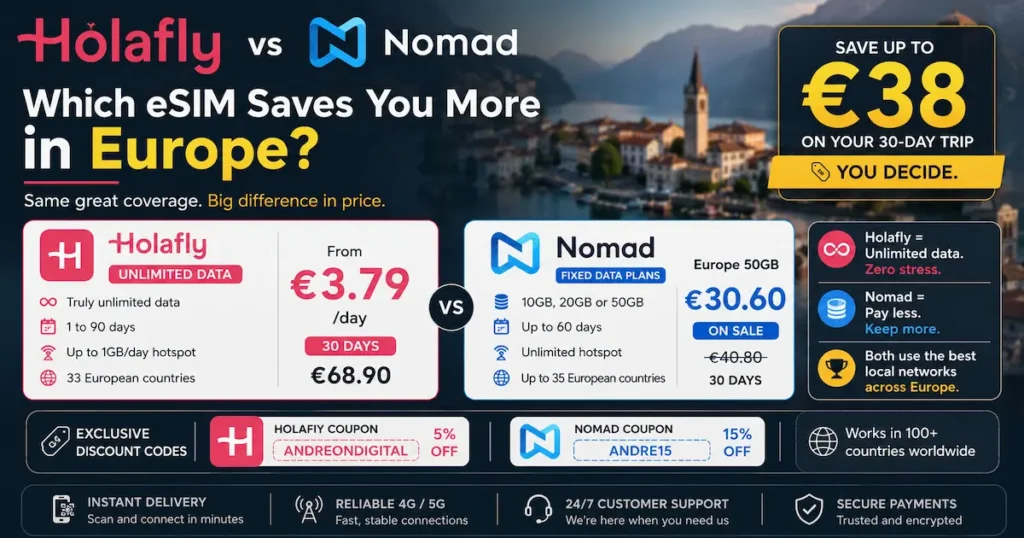
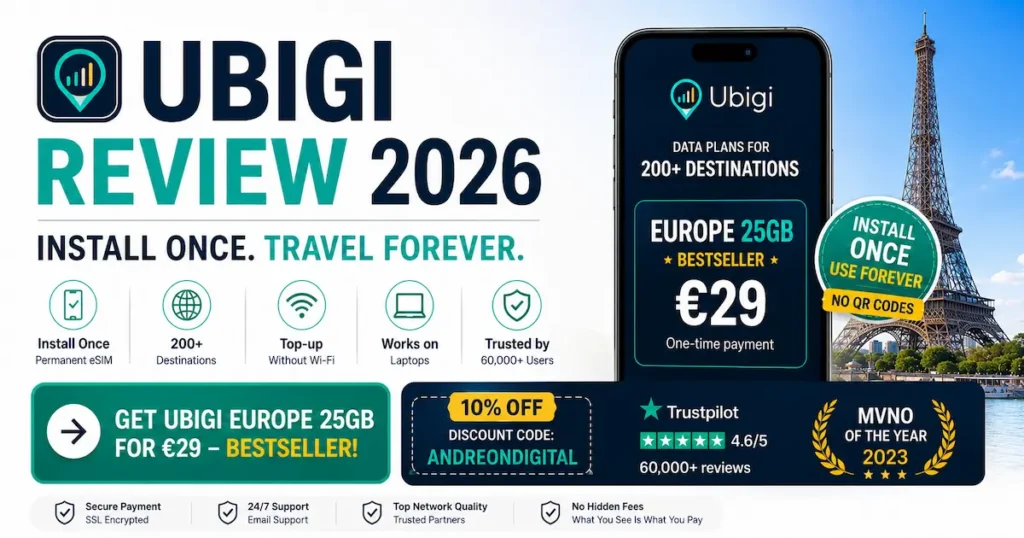
The four main Europe eSIM providers in 2026, each suited to a different traveler:
| Provider | Best for | 10GB / 30d | Countries |
|---|---|---|---|
| Nomad | Best price per GB | €18.92 | 35 |
| Airalo Eurolink | Widest coverage, best app | €27.50 | 42 |
| Holafly | Heavy data, no counting | — | 35 |
| Ubigi | Install once, recharge forever | €15 | 38 |
Step 3: Install Before Your Flight (Not at the Airport)
Install at home on stable WiFi — takes 3 minutes
This is the step most travelers get wrong. They buy the eSIM, don’t install it before departure, and then try to set it up at the airport with a weak WiFi signal and a gate closing in 20 minutes.
Install at home. The plan will not start until you connect to a European network — so you lose no validity by installing early.
This is one of the most important parts of How to Use eSIM in Europe 2026 correctly without activation issues at the airport.
📱 iPhone
- Settings → Mobile Service (or Cellular)
- Tap “Add eSIM” or “Add Mobile Plan”
- Tap “Use QR Code” → scan the QR from your email
- Follow the on-screen prompts to add the plan
- Label it (e.g. “Europe eSIM”)
- Set as default data line before departure
🤖 Android
- Settings → Network & Internet → SIM
- Tap “Add SIM” or “+” icon
- Select “Scan QR code”
- Scan the QR from your email
- Confirm download and activation
- Set as mobile data line in SIM settings
⚠️ Some providers offer app-based installation instead of a QR code — Nomad and Airalo both allow in-app eSIM installation without scanning a QR code. If you have trouble with the QR method, use the provider’s app as an alternative.
Step 4: Configure Your Phone Correctly
Three settings that matter — most people miss at least one
After installation, three settings need to be correct for your eSIM to work properly in Europe:
- Set the eSIM as your mobile data line — not your home SIM. Both SIMs can coexist, but only one provides mobile data at a time.
- Enable Data Roaming on the eSIM line — this is required because even though it’s your “local” eSIM for Europe, roaming must be enabled for it to connect to European networks.
- Disable Data Roaming on your home SIM — prevents accidental roaming charges from your home carrier if your home SIM tries to connect to European networks.
⚠️ The most common mistake: Data Roaming is disabled on the eSIM. This causes the phone to connect to WiFi but not mobile data in Europe. If your eSIM isn’t connecting: go to Settings → select your eSIM → enable Data Roaming. This fixes 80% of reported connection failures.
Step 5: Activate on Arrival — It Happens Automatically
Land. Connect. Done.
With your settings correct, the eSIM connects automatically to a local European carrier the moment your plane lands and your phone leaves airplane mode. No action needed.
The first connection usually takes 30–60 seconds. You’ll see the carrier name in your status bar — Orange, Vodafone, Movistar, SFR, TIM, or similar depending on the country and provider.

Step 6: Use Across Multiple Countries — Zero Action Required
Cross any border and your eSIM switches automatically
This is the most underappreciated feature of a regional Europe eSIM. When you cross from France into Spain, your eSIM disconnects from the French carrier and connects to a Spanish carrier automatically — usually within 30–60 seconds of crossing the border.
On a train from Paris to Barcelona, you’ll see the carrier name change in your status bar around the time you cross the Pyrenees. You don’t touch a single setting.
✅ Regional eSIM works in: France → Spain → Portugal → Germany → Austria → Czech Republic → Poland → Hungary → Croatia → Italy — and every other country on the plan — all automatically, on one data pool, from one plan you bought before departure.
The data pool is shared across all countries. If you have 20GB on your Nomad Europe plan and use 5GB in France, 3GB in Spain, and 2GB in Italy, you have 10GB remaining — usable anywhere in the remaining 32 countries on the plan.

eSIM and Your Home SIM — How Dual SIM Works
One of the biggest questions first-time eSIM users have: does the eSIM replace my regular number? The answer is no — and understanding how dual SIM works is the key to getting the most out of your setup.
| SIM | Purpose in Europe | Setting |
|---|---|---|
| Your home SIM | Calls · SMS · WhatsApp verification · banking codes | Data roaming: OFF |
| Europe eSIM | Mobile data · Maps · WhatsApp over data · streaming | Data roaming: ON · Set as data line |
People call and text your regular number as normal — you just answer over your home SIM. Your eSIM provides the mobile data. You never miss a call, never miss a bank SMS, and your eSIM data costs a fraction of what carrier roaming would charge for the same connection.
💡 WhatsApp calls and video: All WhatsApp communication (calls, video, messages) runs over your eSIM data connection — it uses your regular number for the account but routes the actual call over internet data. This means WhatsApp calls to home are included in your eSIM data plan at no extra cost.
How to Share Data — Using Your eSIM as a Hotspot
Most Europe eSIMs include hotspot/tethering — meaning you can share your eSIM’s mobile data with a laptop, tablet, or other devices via WiFi. This is how one person’s eSIM can effectively cover a group’s data needs.
To enable hotspot:
- Make sure your eSIM is active and connected
- iPhone: Settings → Personal Hotspot → toggle on
- Android: Settings → Network → Hotspot → toggle on
- Other devices connect to your phone’s WiFi name
⚠️ Hotspot limits to check: Nomad has no hotspot cap (full data available). Ubigi allows hotspot on all plans. Holafly caps hotspot at approximately 500MB/day on day plans (unlimited on subscription). Always check your specific plan’s hotspot rules. Hotspot uses your eSIM data pool — a family of 4 all tethering will use data much faster than one person.
What If Your eSIM Doesn’t Work? 5 Fixes
Connection failures are rare, but when they happen, they’re almost always caused by one of these five things — in this order:
- Data Roaming is disabled on the eSIM line. Settings → Mobile → select your eSIM → enable Data Roaming. This is the cause of most reported failures.
- The wrong SIM is set as the data line. Settings → Mobile → Mobile Data → select your eSIM, not your home SIM.
- Airplane mode wasn’t fully disabled. Toggle airplane mode off, wait 30 seconds, try again.
- Restart your phone. Forces a fresh network search. Fixes approximately 1 in 5 remaining issues.
- Manual network selection. Settings → Mobile → Network Selection → Manual → select a local carrier name. If a carrier appears in the list, your eSIM is working — it’s just not auto-connecting. Select one manually, then switch back to automatic.
💡 If none of the above works, contact your eSIM provider’s support directly — Holafly and Airalo both have live chat. This issue is usually account-side (plan not yet activated) rather than device-side.
How to Use eSIM in Europe 2026 — Common Questions Answered
Does eSIM work in all European countries?
Most regional Europe eSIMs cover 35–42 countries — all EU member states plus UK, Switzerland, Norway, and Iceland. The Balkans (Serbia, Albania, Montenegro, Bosnia, North Macedonia) require a separate plan on most providers. Kosovo is not covered by most mainstream providers. Always verify the exact country list at checkout. See Best eSIM for Europe 2026 for a full coverage comparison. Verified May 2026.
Do I need to remove my SIM card to use an eSIM?
No. eSIM works alongside your physical SIM (dual SIM). Keep your home SIM in for calls and SMS. Set the eSIM as your mobile data line. Both operate independently and simultaneously. Your regular number stays fully active.
When should I activate my Europe eSIM?
Install at home before your flight. Most plans use Smart Start — validity begins when your phone connects to a European network on arrival, not at purchase. You can install days in advance without losing any of your plan’s validity.
Can I receive calls and SMS with a Europe eSIM?
Standard Europe eSIMs are data-only — no traditional calls or SMS. Keep your home SIM active for those. Use WhatsApp, FaceTime, or similar apps over the eSIM data for calls abroad. Exception: SimOptions via Bouygues Telecom (44 countries, 30GB+calls for €32.90) includes a real French phone number with calls and SMS. Verified May 2026.
How much data do I need for a Europe trip?
A rough guide per day of travel: Maps navigation (cached) = 0.1–0.3GB, WhatsApp messages = minimal, social media + photos = 0.5–1GB, video calls = 0.3GB per 30 minutes, streaming = 1–2GB per hour. For a standard 7-day trip with moderate use: 5–10GB. For a 2-week trip: 10–20GB. If you’d rather not count: choose a Holafly extensive data plan. See Cheapest eSIM for Europe 2026.
What is the difference between eSIM and roaming?
Carrier roaming uses your home network’s international agreement to connect you to foreign networks — at their rates, which are typically €10–15/day. An eSIM is a separate prepaid plan that connects directly to local networks at local data prices — typically 80–90% cheaper than carrier roaming for most European destinations. The connection quality is often identical because both use the same underlying carrier infrastructure.

Ready to Choose Your Europe eSIM?
You now know how eSIM works, how to install it, and how to use it across Europe. The last step is choosing the right plan for your trip.
Now you fully understand How to Use eSIM in Europe 2026 across airports, trains, road trips, and multiple countries.
| If you want… | Best choice |
|---|---|
| Best price per GB | Nomad Europe — 10GB/€18.92 |
| No data counting, extensive data | Holafly Europe — from €26.90/7d |
| Widest coverage (42 countries) | Airalo Eurolink — €27.50/10GB |
| Install once, recharge every trip | Ubigi — €15/10GB · €29/25GB BESTSELLER |
| Calls + SMS included | SimOptions Bouygues — €32.90/30GB+calls |
| Best security + NordVPN | Saily — $28.99/7d unlimited |